Employee Experience · Training (LMS)
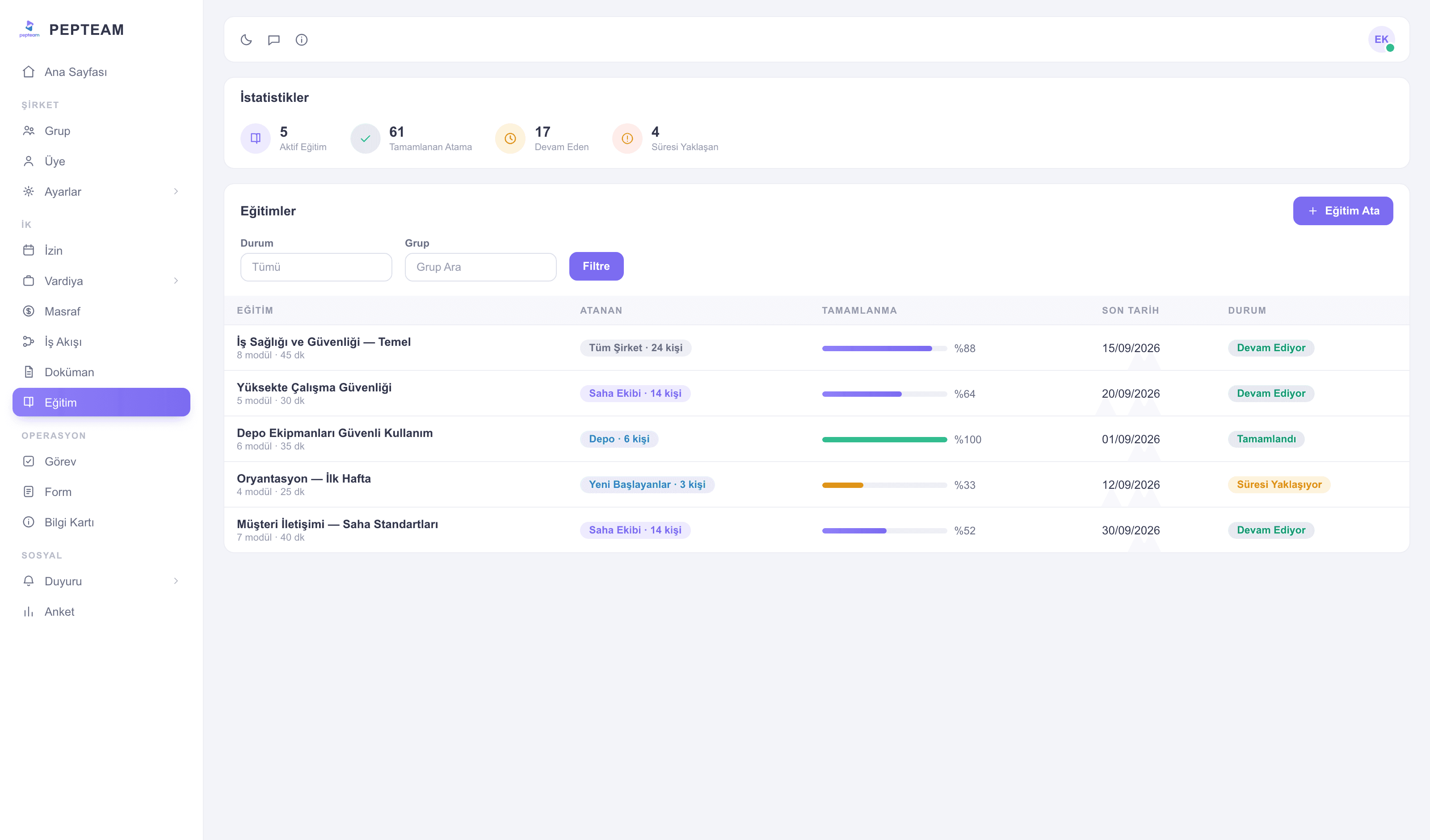
Training goes to the phone; who finished shows in the panel.
Prepare the content once; the team completes it between shifts and who finished, who's behind is on the panel.
No classrooms to gather
Shifts aren't broken for training; everyone finishes in their own window.
New hires start ready
Onboarding content is on their phone from day one; no waiting for the foreman's speech.
Completion is visible
Who finished, who's halfway — a list in the panel, proof ready for audits.
Build the content once
Create the material in the panel, split it into topics; the same content serves every new hire again.
The team completes from the pocket
The worker opens the training on the phone and moves at their own pace — a section on a break, another after the shift.
Assign by group
Assign to a person or a group; the new store crew, the new subcontractor — content travels to its target.
Progress in the panel
Completion lists person by person; the unfinished are visible, and a reminder is one announcement away.
How it's used in the field
The new season's product training is assigned to every store; the sales team learns before the customer asks.
A new housekeeper completes the standards on the phone in week one; room quality stops varying by person.
Procedure-change training is completed between duties; no roster is broken for a classroom.
Frequently asked questions
You — in the panel. Built once, assigned forever after.
In their own window, on the phone; the shift pattern stays intact.
Person by person in the panel: finished, in progress, not started.
Yes; content is stored and re-assigned to every new person or group.