Operations · People Management
The team joins with one code; you set the order.
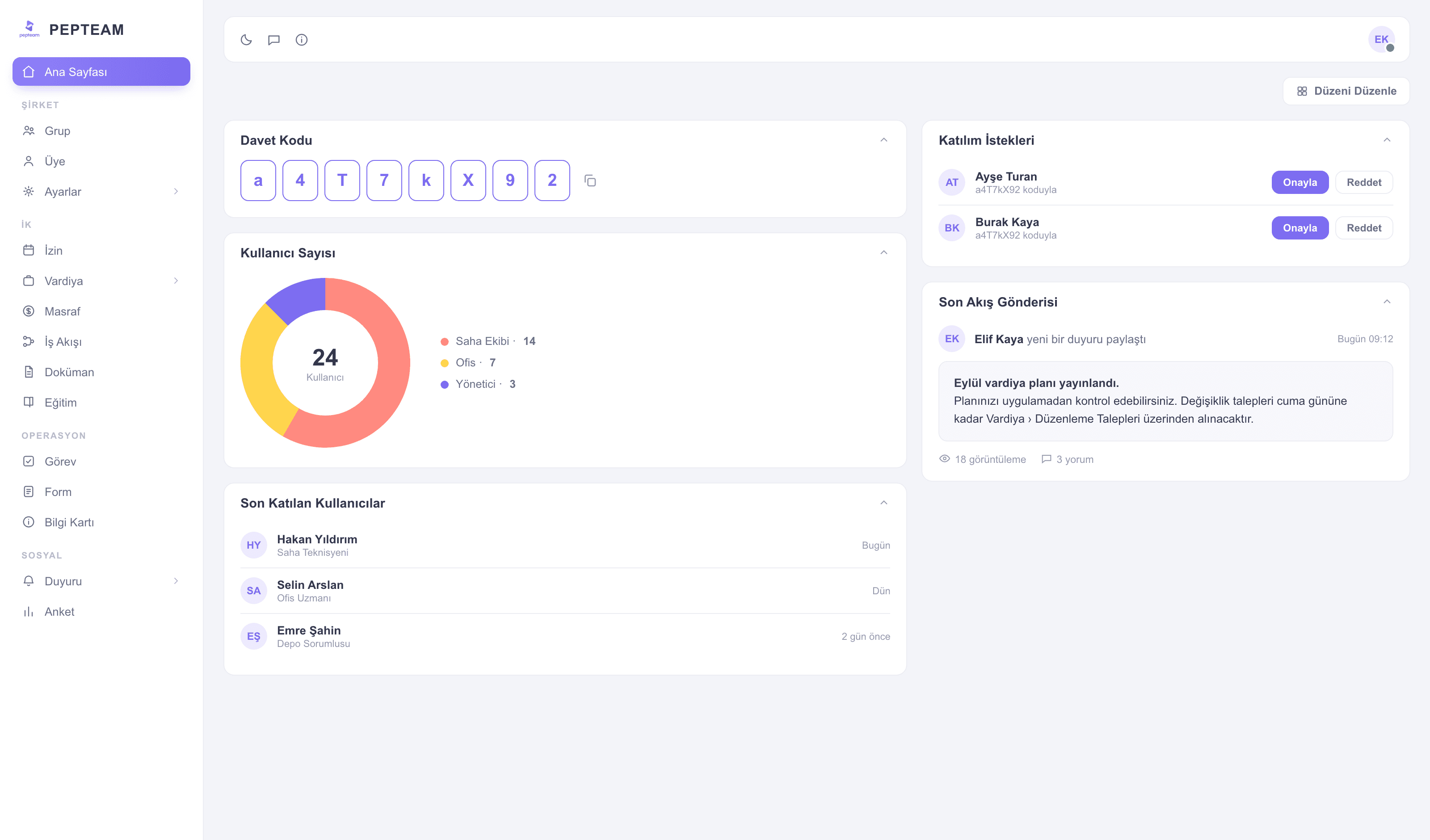
Share the invite code and staff join from the app; you build groups and manage roles and admin permissions from one panel.
Joining without e-mail
Not everyone on a blue-collar team has a corporate address; an eight-digit code is enough.
Groups mirror the field
Location, crew, subcontractor — groups map one-to-one to how you actually organize.
Clear lines of authority
Who sees what, who manages what — drawn with roles and admin permissions.
The invite code: a team in minutes
The code sits in the panel; share it, staff install the app, enter it, join. Join requests land in the panel for your approval.
Members in one list
Who joined, on which device — user count and recent joiners also sit on your dashboard widgets.
Order through groups
Group staff by location and crew; shifts, announcements and tasks flow per group.
Roles and admin permissions
Grant managers permissions by remit: one only reads reports, another assigns shifts. Authority sprawl ends.
How it's used in the field
Frequently asked questions
None needed. They join from the app with the eight-digit invite code.
Join requests are listed in the panel; approval stays in your hands.
With roles and admin permissions, by remit: report viewers, shift assigners and leave approvers separate cleanly.
Close the membership in the panel; access ends, their records remain in reports.