Employee Experience · Announcements & Surveys
Reach everyone at once; see who has read it.
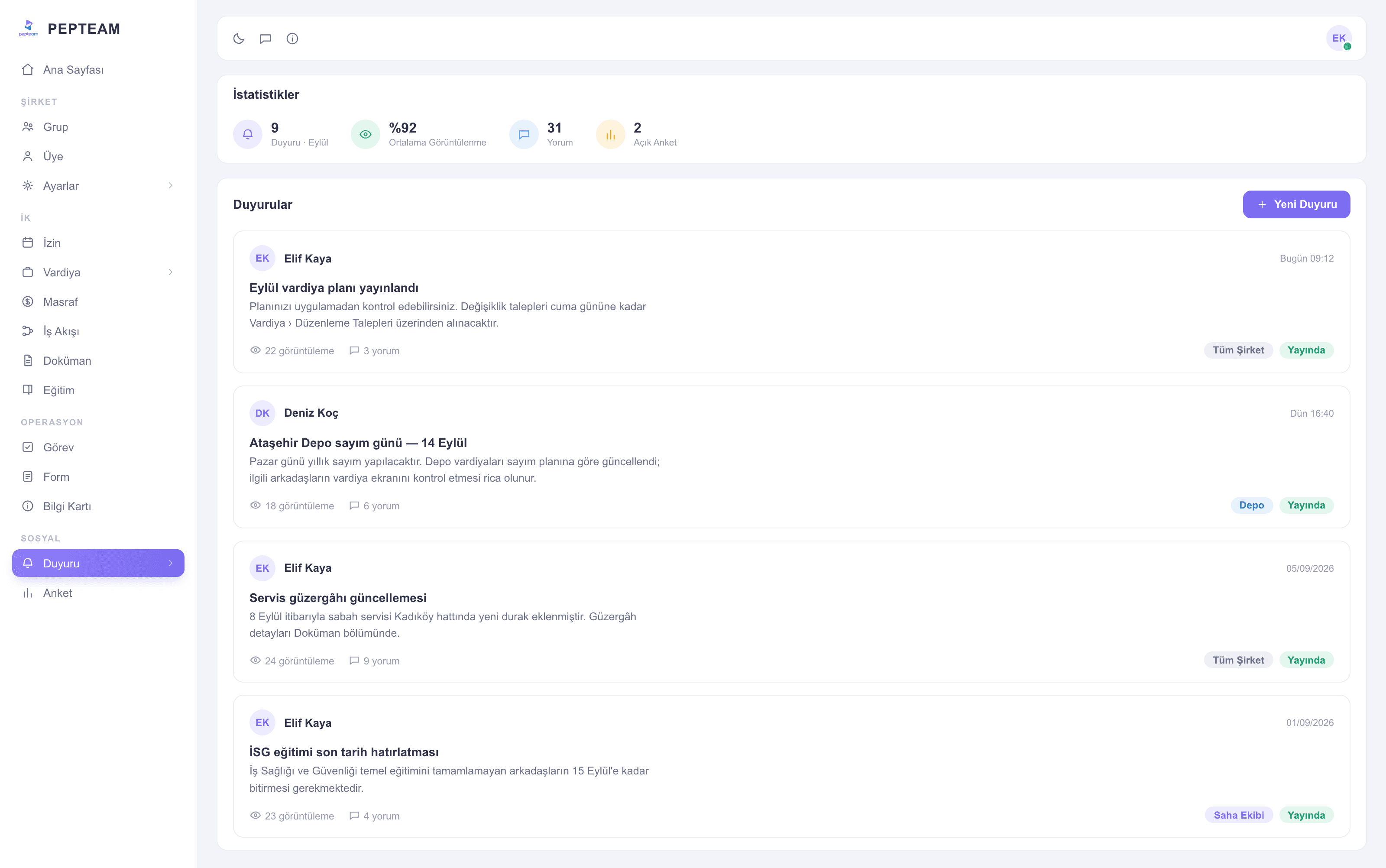
The announcement lands on every phone at the same time with read status visible; critical text stays pinned at the top. Open a survey when you need the field's pulse.
Messages don't drown
An announcement is a record, not a group message; even late joiners see it.
Read or not — it's known
Who saw it, who didn't: a list, not a guess.
The field talks back
With surveys, the team's view arrives as numbers before the decision.
One channel, full reach
Write the text, pick the target department or group; the announcement reaches only the relevant team, all at once. Shift changes stop traveling by word of mouth.
Pinned stays on top
Rules, procedures, emergency numbers — pinned announcements hold the top of the feed and never sink under new posts.
Surveys take the pulse
Open the question; the field answers from the phone and results collect in the panel. From canteen menus to shift preferences, decisions get data.
Settings in your hands
Announcement settings decide who can post and which groups see what; the channel stays disciplined.
How it's used in the field
Tomorrow's VIP group brief reaches all departments in one announcement; housekeeping, kitchen and reception share one truth.
The shift-change notice reaches all three shifts; who has not read it shows on the list.
The campaign instruction goes to every store as the same text; no store runs its own interpretation.
Frequently asked questions
People you authorize in the settings; the channel isn't an open group.
Yes; delivery and read status are visible per announcement.
One that stays at the top of the feed — rules and procedures never sink under new posts.
Results collect in the panel for managers; answering takes seconds on the phone.